Your remote control for Robi
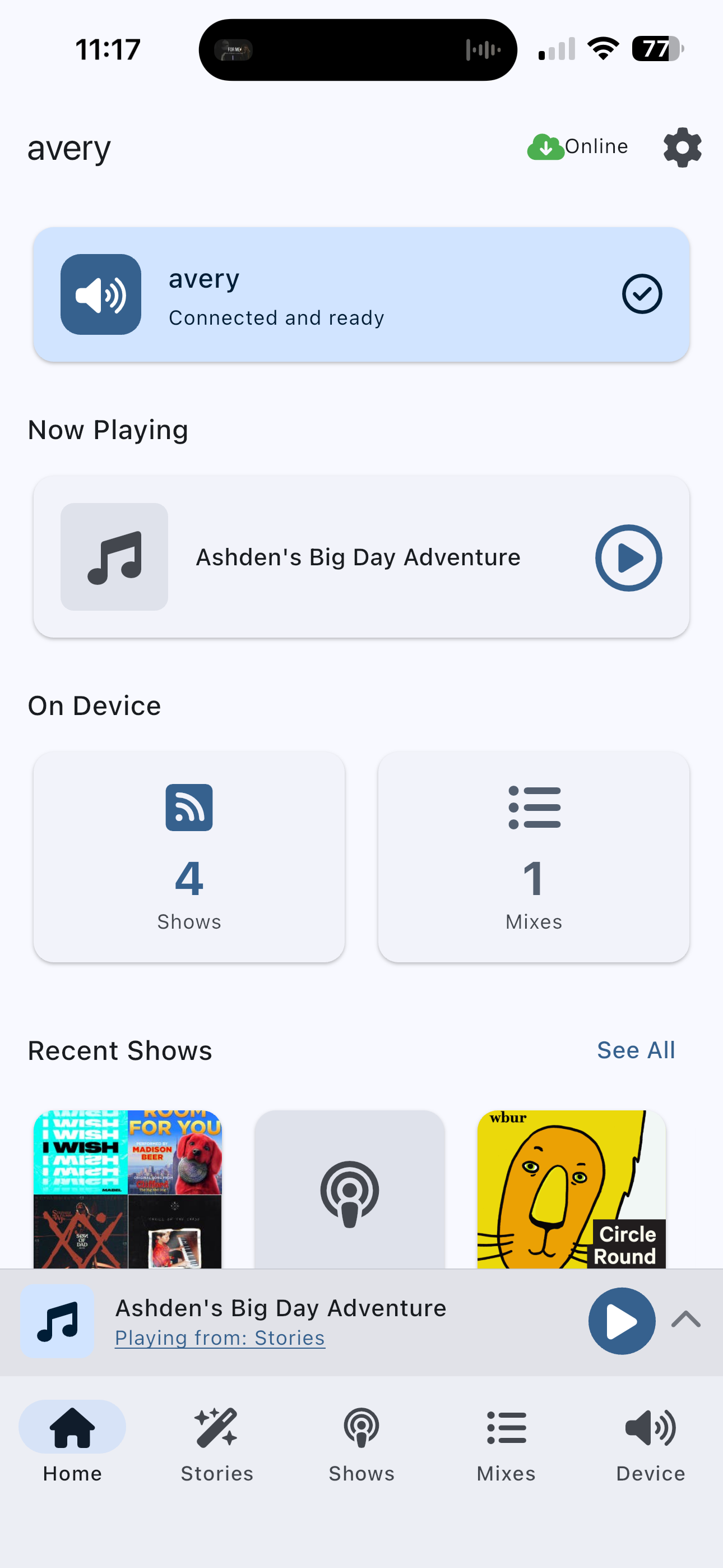
Manage your child's audio library, create personalized stories, set parental controls, and control playback. All from a free app on your phone, tablet, or computer.
The app launches alongside Robi. Join the waitlist to be notified.
Everything you need to manage audio time
Easy Setup
Pair with Robi via Bluetooth and connect to your home WiFi in minutes.
Content Library
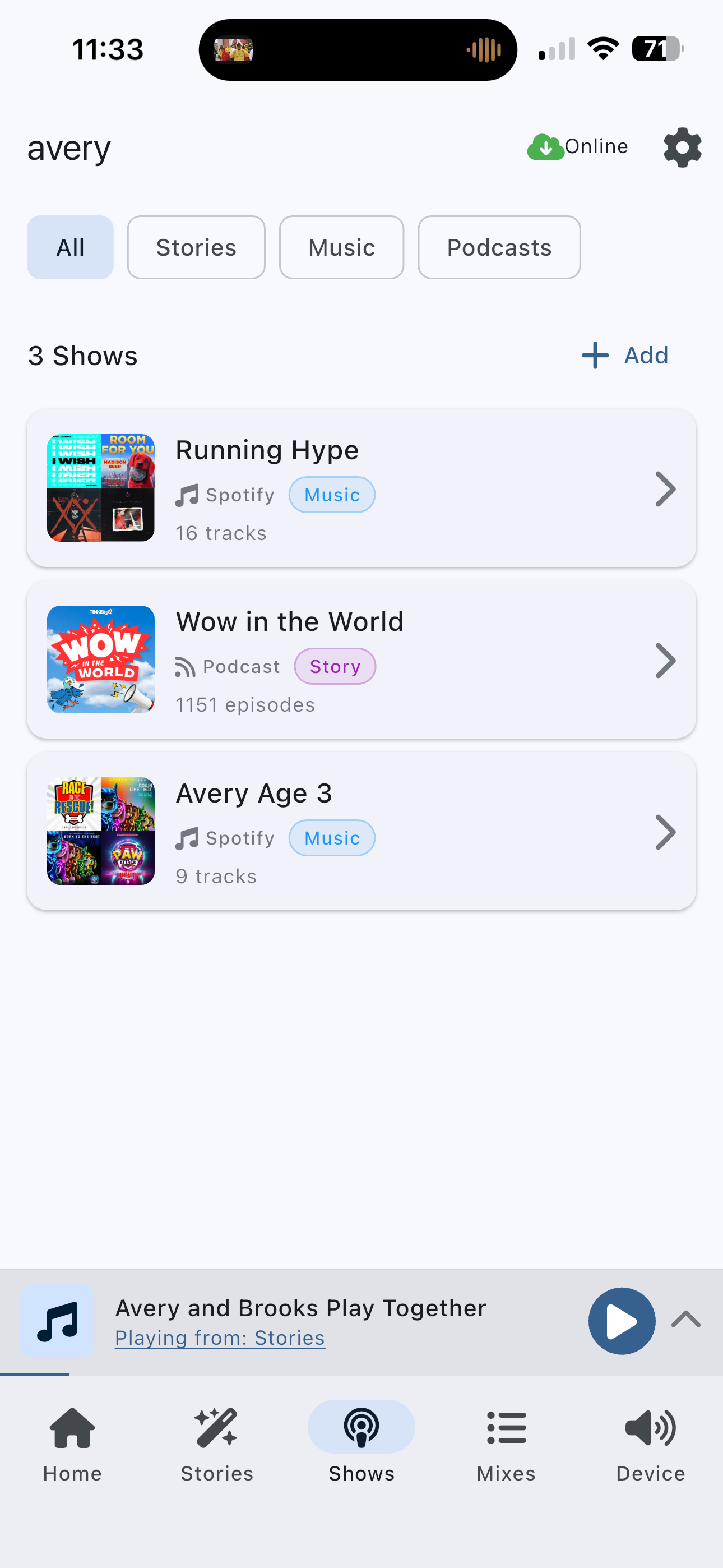
Add podcasts, audiobooks, and music feeds. Search and subscribe to any RSS feed.
AI Stories
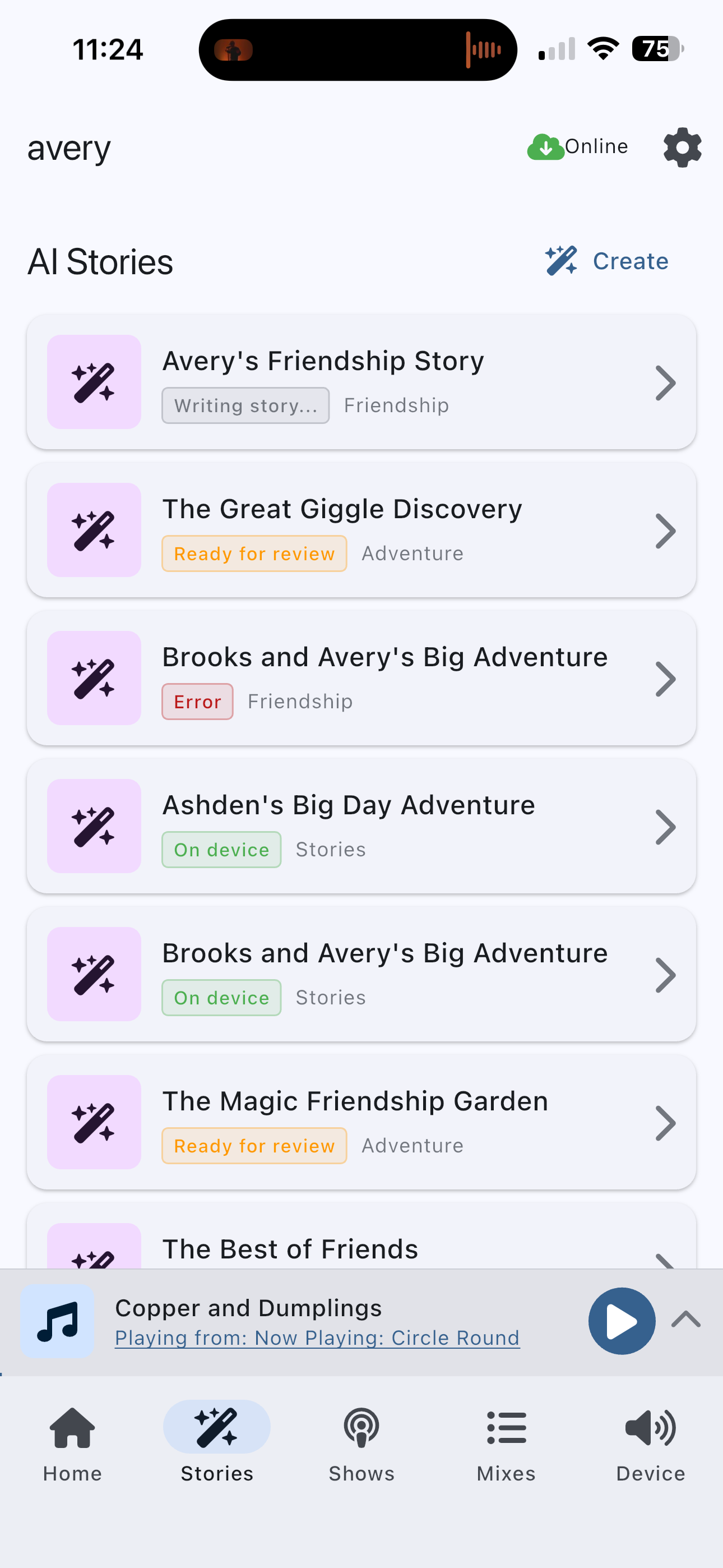
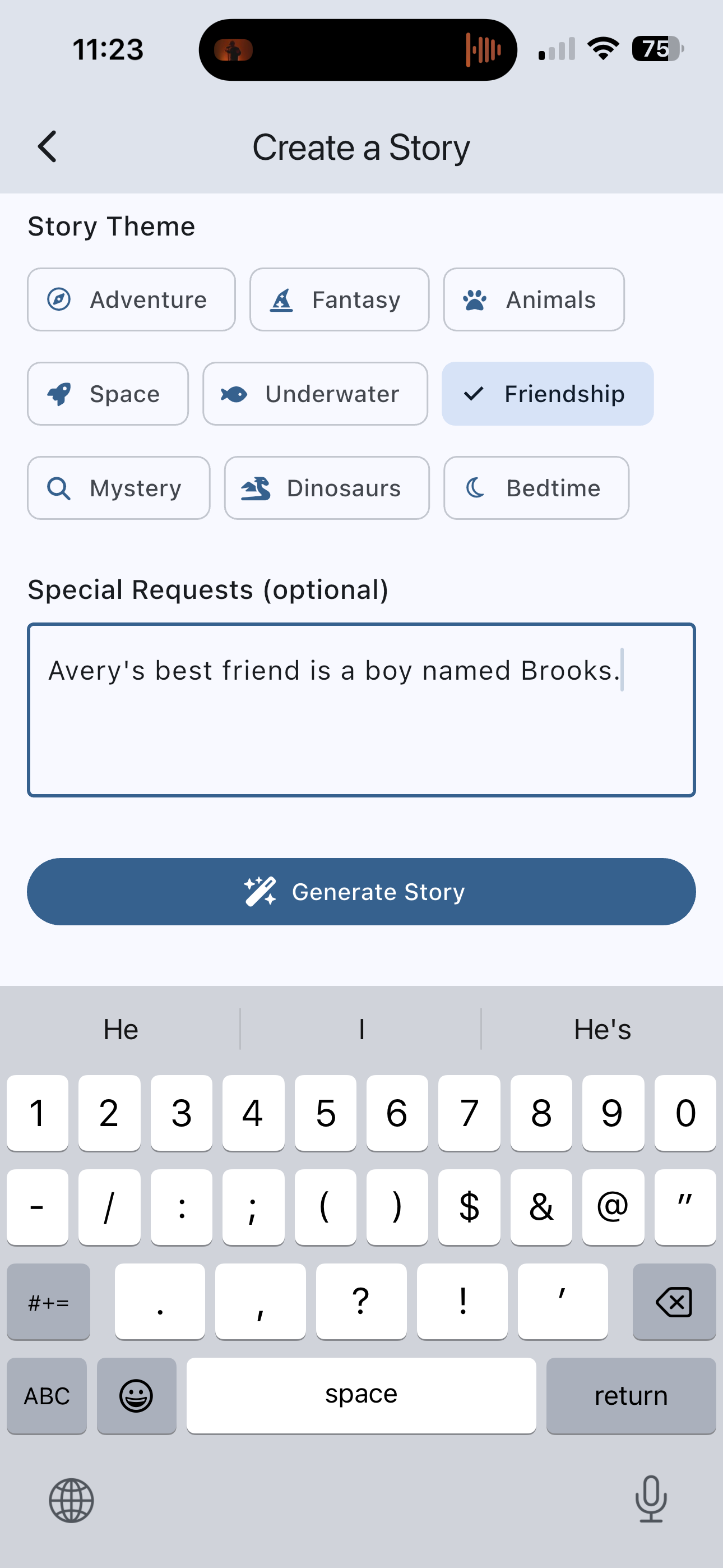
Create personalized stories starring your child. Choose themes, set age ranges, review before listening.
Spotify Integration
Stream your entire Spotify library directly to Robi (Premium required).
Mixes
Build custom playlists that mix shows, songs, and stories. Curate the perfect lineup.
Record Your Own
Record bedtime stories, good morning messages, or custom audio right from the app.
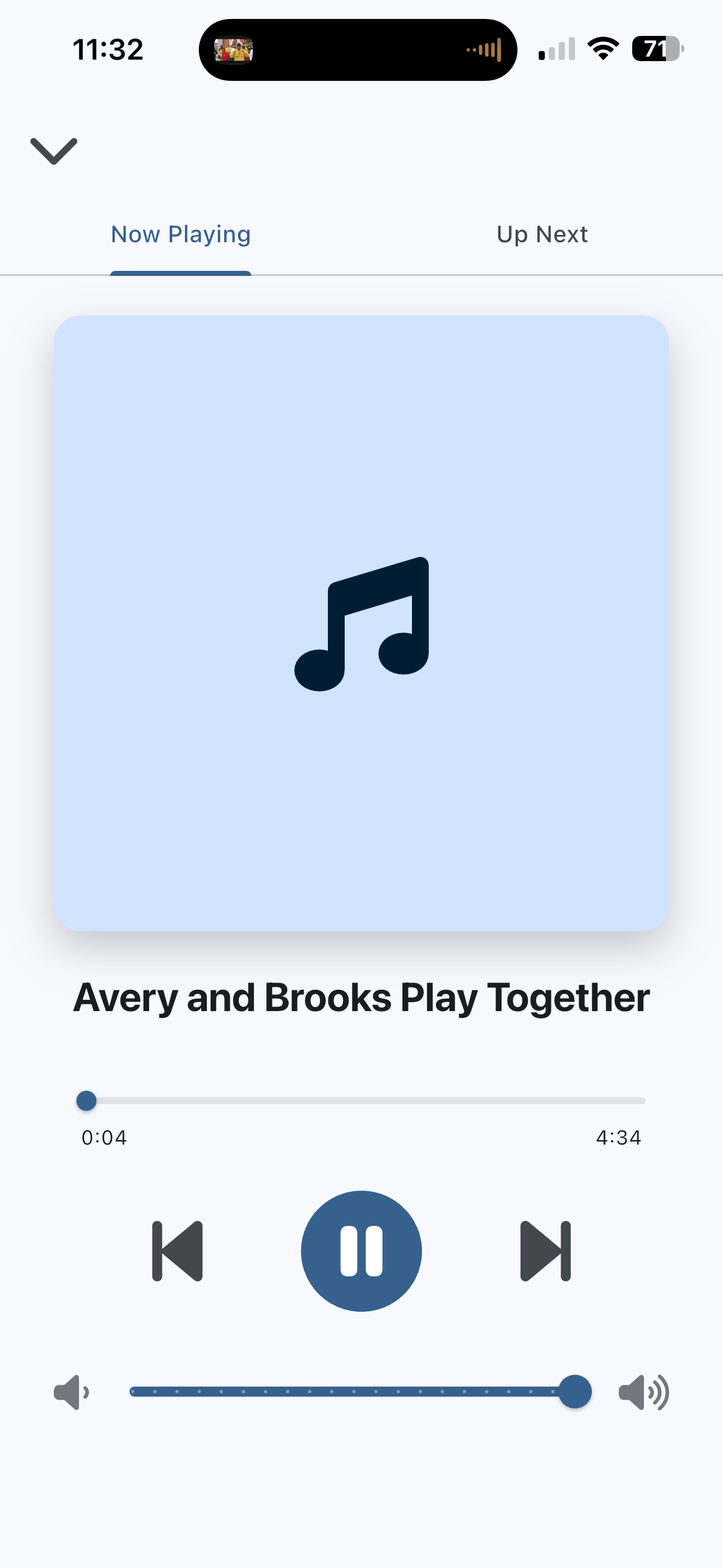
Remote Playback
Control what's playing from anywhere in your home with the persistent mini-player.
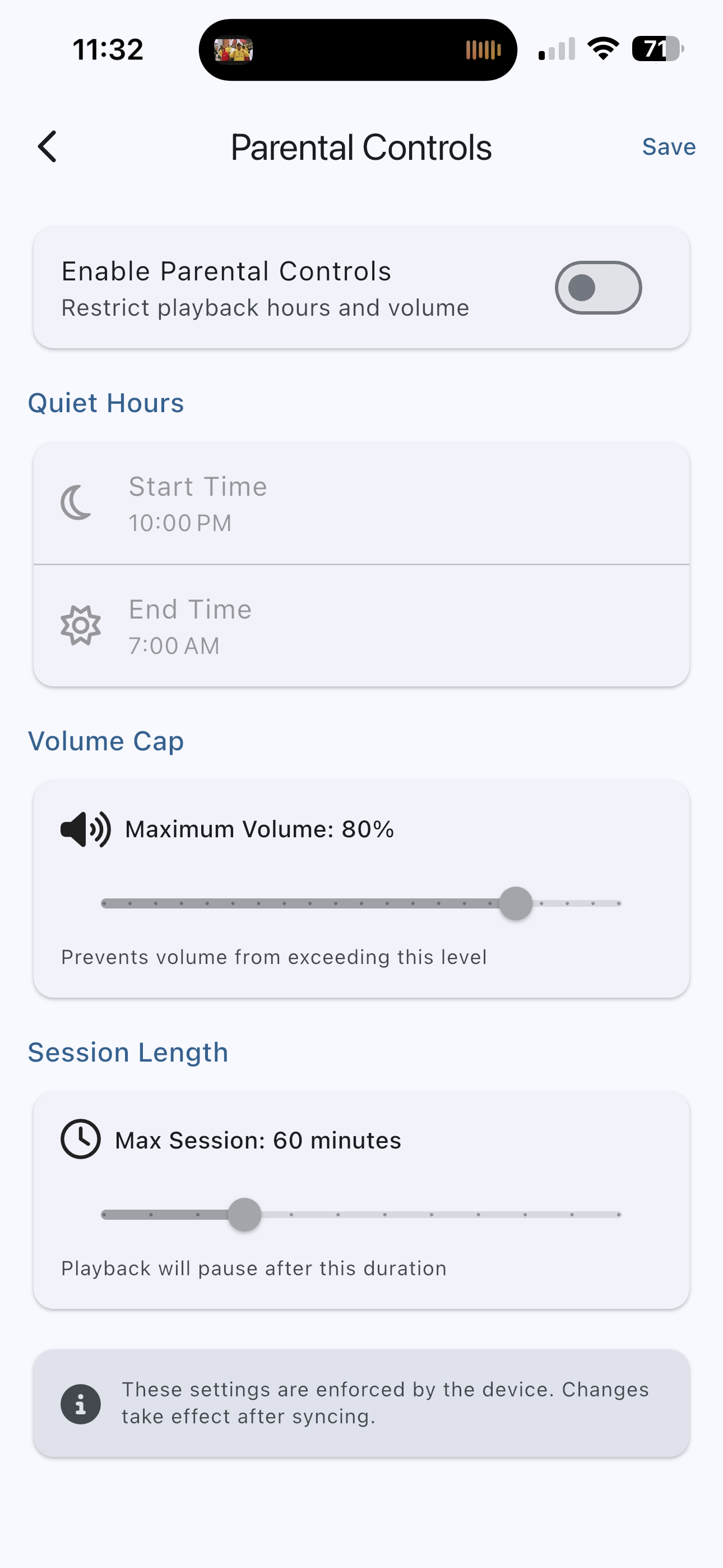
Parental Controls
Set quiet hours, volume caps, and daily session limits that work for your family.
See the app in action
Available everywhere
Use the app on your phone, tablet, or computer.
iOS
iOS 12 or later
Android
Android 6.0 or later
Get started in minutes
Download the app
Download the free kid.studio app on your phone, tablet, or computer.
Power on Robi
Plug in your Robi and wait for the LED to indicate it's ready.
Pair via Bluetooth
The app will find your Robi and guide you through WiFi setup.
Add content
Search for podcasts, add RSS feeds, connect Spotify, or create a story.
Don't have Robi yet?
The companion app works best with our screen-free audio player.
Join the Waitlist